
Fraud · Appelez le tech
An email from an employee reaches payroll: she switched banks and asks to update her direct deposit before the next pay run. The request is polite, routine, and handled in two minutes. Two weeks later, the real employee asks where her pay went. Payroll fraud doesn’t go after one large wire transfer: it diverts one paycheque at a time, often unnoticed until payday.
What is payroll fraud?
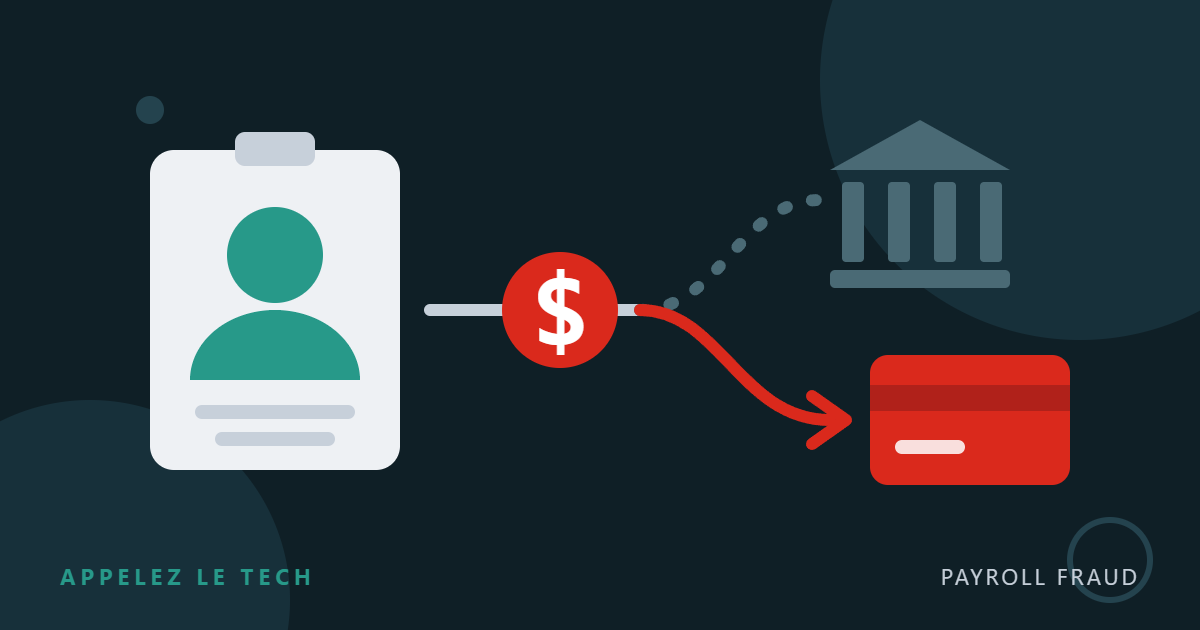
Also called payroll diversion, it is a form of business email compromise. The fraudster impersonates an employee, or takes over their account, to get their direct deposit details changed. The following paycheques land in an account the fraudster controls, often a hastily opened online account or a prepaid card, and are emptied within hours.
Favourite targets: well-paid employees (executives, professionals, managers) whose name and title are easy to find on the website or LinkedIn, and businesses where a single person handles payroll.
Two ways to divert a paycheque
The fake employee
The fraudster writes to payroll or HR from a personal address in the employee’s name (often Gmail or Outlook.com), or from their real, compromised mailbox, and simply asks to change the deposit account.
The hijacked employee account
The fraudster phishes the employee’s credentials, signs in to the self-service payroll portal and changes the bank account directly. HR never sees a request.
How the attack unfolds
The typical email, dissected
Hello,
I switched banks this week. Could you update my direct deposit before Thursday’s pay2? Here are my new banking details3: transit, institution and account number.
I’m in training all week and can’t take calls4, a confirmation email is all I need5.
Thanks so much!
Sophie
- Personal address: the name is right, but the email doesn’t come from the company address. With a hijacked account, the address would be the real one, so this check alone is not enough.
- Tight deadline: the request arrives just before the payroll cut-off.
- Banking details in the email: no signed form, no verification.
- Unreachable: you are prevented from checking by voice.
- Workaround: you are invited to reply to the fraudster themselves.
Fictitious example.
Why it works so well
- The request is routine. People change banks every day. The email is short, polite and error-free, so it gets past spam filters.
- The amount is modest. One paycheque raises no alarm, unlike a large wire transfer abroad.
- Time is on the fraudster’s side. With a biweekly pay cycle, the money is long gone before the employee complains.
- The employer often pays twice. As Saskatoon police point out, the employer is responsible for making sure the employee gets paid, so the loss often falls on the business.
How to protect your business
Procedures first
- Never change banking details by email alone. Every direct deposit change is confirmed by voice or in person with the employee, at a number already on file, not the one provided in the email. This check works even when the email comes from the real address.
- A signed form plus a void cheque or a direct deposit form from the financial institution. A void cheque can be forged: it complements the call, it doesn’t replace it.
- An automatic notice to the employee through another channel (phone or personal address already on file) as soon as their banking details change.
- A second approval before the first pay goes to the new account, and a one-pay-period delay if the request comes in at the last minute.
- A simple check before every pay run: list of accounts changed since the last run, and a flag if two employees point to the same account.
Technical safeguards
- Phishing-resistant MFA (security keys, Windows Hello for Business, passkeys) on Microsoft 365 and on the payroll portal. Ideally, the payroll portal signs in with the employee’s Microsoft 365 account (single sign-on) to benefit from the same protections.
- Alerts on suspicious inbox rules, especially those that delete or move payroll notices.
- Alerts when a new phone or MFA method is added to an account.
- An “external email” banner and detection of external emails using an employee’s name.
- In your payroll provider’s portal, turn on banking-change notifications and MFA for all employees.
Informed people
Tell your employees that payroll will never ask for their credentials by email, and that any banking-change notice they didn’t request must be reported right away. The people who run payroll should know this scenario by heart. The logic is the same as for CEO fraud: new banking details are always a red flag. To go further, see our 12 steps to protect your business in 2026.
The golden rule: the two-minute call. Before changing a direct deposit, call the employee at a number you already had, or talk to them in person. If the request is legitimate, they’ll thank you. If it isn’t, you’ve just avoided paying twice.
A paycheque was diverted? Act fast
- Call your financial institution and your payroll provider right away: ask for the deposit to be cancelled or recalled and for contact with the receiving bank. The faster you call, the better the chance of recovering the money.
- Restore the correct account and freeze any other change until verified.
- Alert your IT support: if an account was compromised, the password must be changed, open sessions revoked, added MFA methods removed and malicious inbox rules deleted.
- Report the fraud to local police and the Canadian Anti-Fraud Centre, and notify your insurer.
Want to check the security of your Microsoft 365 accounts and your payroll process?
Appelez le tech · 1 833 444-1041